

Does an NVR Automatically Receive Video or Audio from an IP Camera Just Because It Supports ONVIF?
First, let's understand what ONVIF is.
ONVIF stands for Open Network Video Interface Forum, a non-profit organization jointly founded by many major security companies. ONVIF's goal is to promote interconnectivity between IP surveillance cameras, network video recorders (NVRs), video encoders, and other devices from different manufacturers, allowing devices from different brands to communicate, exchange information, and achieve mutual compatibility.
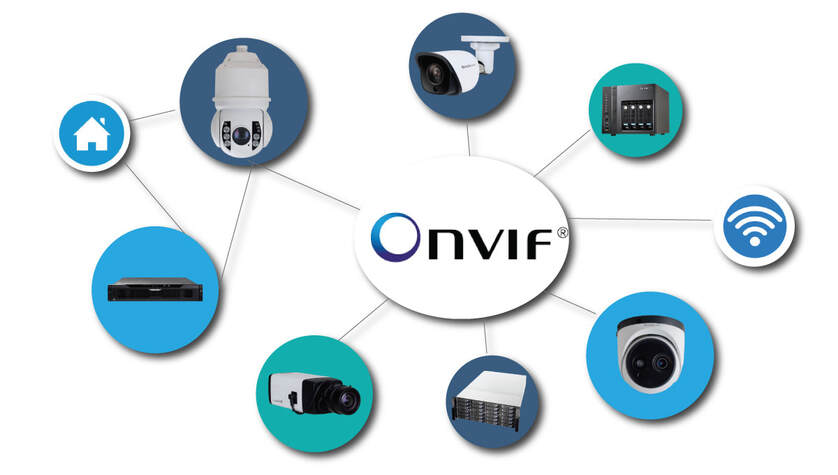
ONVIF is an open standard that defines a unified communication protocol and corresponding application programming interface (API), allowing devices from different brands to communicate and exchange data using the same protocol and API. ONVIF supports several major network security protocols, including SSL, TLS, and HTTPS, to ensure data security.
However, not all IP cameras and NVRs support exactly the same ONVIF specification.As a result, some cameras or NVRs may only be partially compatible, while others may not be compatible at all.In addition, even when supporting the same ONVIF version, differences in protocol implementation may still exist, which can cause certain features to not work properly. Compatibility between IP cameras and NVRs depends on the characteristics of the devices themselves and how the ONVIF protocol is implemented.
Are There Different ONVIF Profiles?
Below are the ONVIF profiles for cameras and NVRs
- ONVIF Profile G
- ONVIF Profile S
- ONVIF Profile T

ONVIF Profile G[For Storage and Retrieval]
- Configure, Request, and Control Recording
- Receive Audio and Metadata
Profile G is designed for IP-based video systems. Profile G devices (such as IP cameras or video encoders) are devices that can record video data over the IP network or on the device itself. Profile G clients (such as video management software) are software that can configure, request, and control the recording of video data from Profile G-compliant devices on the IP network. If the client supports these features, Profile G also includes support for receiving audio and metadata streams.
ONVIF Profile S[For Basic Video Streaming]
- Video Streaming and Configuration
Profile S is designed for IP-based video systems. Profile S devices (such as IP cameras or video encoders) are devices that can send video data to Profile S clients over the IP network. Profile S clients (such as video management software) can configure, request, and control Profile S devices to transmit video streams over the IP network. Profile S also covers PTZ control, audio input, and multicast and relay output for compliant devices and clients that support these features.
ONVIF Profile T[For Advanced Video Streaming]
- H.264 / H.265 Video Compression
- Video Configuration
- Motion Alarms and Tamper Events
- Metadata Streaming
- Two-Way Audio
Profile T is designed for IP-based video systems. Profile T supports video streaming features such as H.264 and H.265 encoding formats, video configuration, and alarm events such as motion and tamper detection. Required device features also include on-screen display and metadata streaming, while required client features include PTZ control. Profile T also covers the ONVIF specifications for HTTPS, PTZ configuration, motion region detection settings, auto relay input/output, and two-way audio for compliant devices and clients that support these features.
In summary, each ONVIF profile is defined and specified for a different application scenario and technical aspect, aiming to achieve interoperability and compatibility between different brands, thereby providing a more unified and efficient way to manage and control the overall security system.